 ▶Video 1
System Basics
IQ Panel 4: Getting Started
Learn the layout, home screen, status icons, and the basic controls you will use every day.





Priority 1 Protection Video Help
Need help understanding your IQ Panel, cameras, or the Alarm.com app? Choose a tutorial below for a short, easy-to-follow walk-through.
This first version gives us the structure. We can replace, add, reorder, or expand the videos as your tutorial library grows.
▶Video 1
Learn the layout, home screen, status icons, and the basic controls you will use every day.
▶Video 2
A quick walk-through of Stay, Away, disarming, and what the system is telling you on screen.
▶Video 3
See where user codes are managed and how to keep access organized for your household.
▶Video 4
Learn the main Alarm.com app screens, security controls, notifications, and everyday shortcuts.
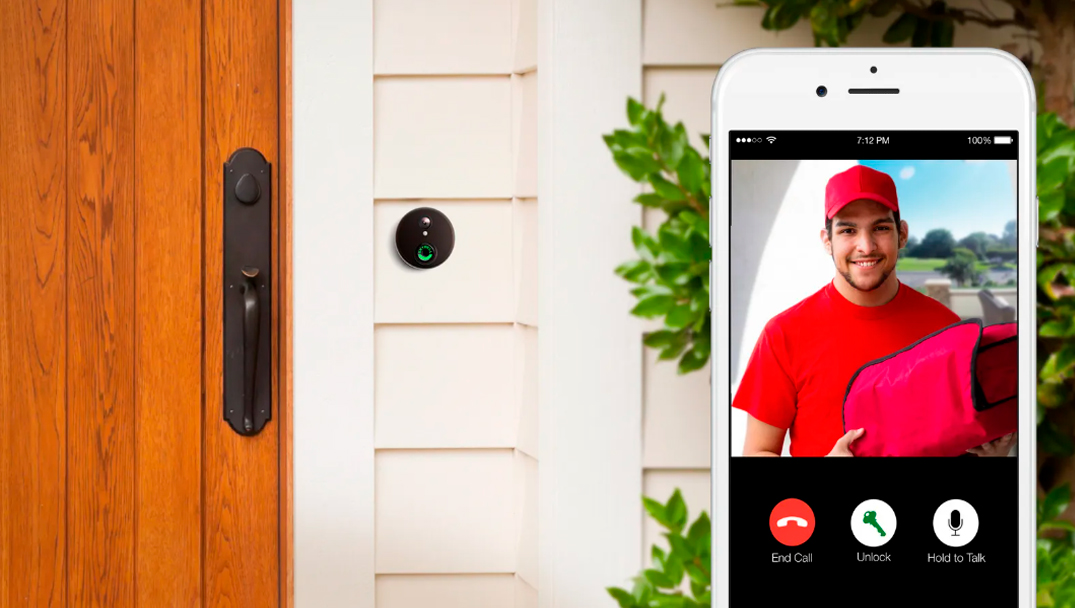 ▶Video 5
Learn how to view live video, find cameras, review activity, and understand common video controls.
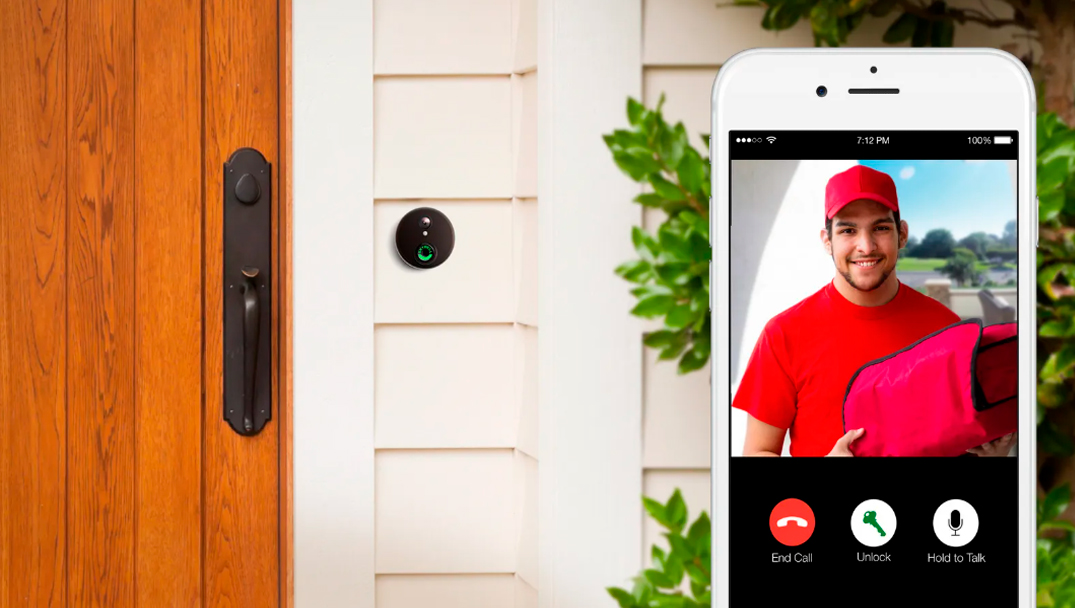 ▶Video 6
See how to answer the door, view live video, review events, and use your connected video doorbell.
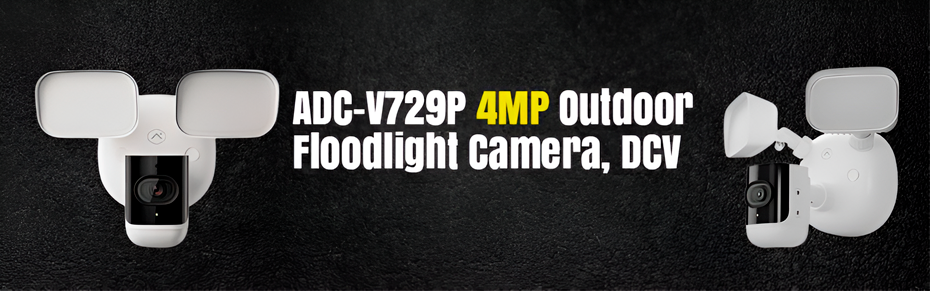 ▶Video 7
A quick guide to live viewing, lighting controls, recorded events, and camera notifications.
▶Video 8
Learn how Alarm.com brings compatible locks, lights, thermostats, scenes, and automation together.
Pick your IQ Panel, Alarm.com app, cameras, or smart-home features.
Each video will focus on one task so you can get the answer without watching a long presentation.
Keep your panel or phone nearby and pause the video whenever you need extra time.
Priority 1 Protection is here when a video doesn’t answer your question.
